










A smooth ERP implementation? It’s possible!
Text Valérie CouplezImage iStock

Implementing an ERP system or switching to a different one? Does the thought already make your hair turn grey? Unfortunately, you can’t avoid the time and resources it takes. But it doesn’t have to be a source of frustration for you and your employees. Good preparation can help your business navigate this change smoothly.
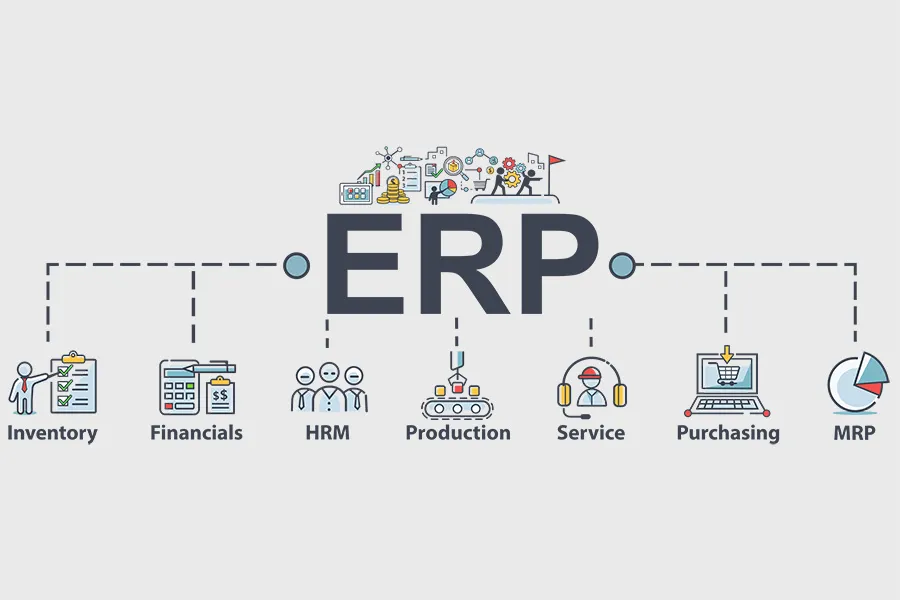
Implementing an ERP package involves more than just the technology. The way a business works will change. ERP becomes the backbone that supports all processes, helping them work together and run more smoothly. Get it right, and you will be able to work more efficiently and productively than ever. But because it affects every business process, it is a change that involves everyone in the company, and one that comes with pitfalls. Set aside sufficient resources and, above all, time to do the job thoroughly, and involve your employees and draw on their experience. They know the processes best. You don’t have to do everything at once, either. Many ERP packages are built from modules, which means the software can grow with your business and be introduced step by step. That has already helped you avoid some of the most common pitfalls. Here are a few more tips to make the transition as smooth as possible.
Define the business case
As with any investment, it is a good idea to define the business case for a new ERP package. What do I actually want to achieve with this ERP software? What value will it bring? This is a key point to keep emphasising if you want everyone on board. They need to see what the benefits are for them. It is also a good starting point for estimating what the ERP system should deliver over time. Once that has been defined, the next step is to put together a team to help drive the project forward. Complementary skills are essential, as everyone will have a different role to play. The team’s job is to provide the right input. That means more than just the data: it is also important to explain exactly how the processes fit together to the ERP supplier. The better the input, the better the output, and the greater the value it will deliver.
Involve employees in optimising processes
Think carefully about your own processes, both today and in the future. Businesses often start by automating existing processes, which have frequently evolved organically over time. But are they still the best way to turn your raw materials into finished products? Implementing an ERP system is the perfect opportunity to reassess them. It is best to do this before implementation, of course, so that you have a future-proof business structure in which your ERP system can become the beating heart. This is exactly what makes ERP implementation such a major change. If you listen to employees and involve them from the outset, it will be easier for everyone on the shop floor to accept the changes. What’s more, the employees who carry out the tasks are closest to the processes, so they are well placed to see how the organisational workflow could be improved.
A phased approach
A big bang may have worked out well for the universe, but it is rarely a good idea in business. A phased approach works best, with requirements, preferences and objectives clearly defined, along with the associated timings. Set out in writing what needs to happen, when and who is responsible. The ERP software supplier can then turn all this input into an initial blueprint for the system. Good communication is crucial at this stage. Make sure the supplier keeps you informed about the implementation project. What is going well? Which milestones have been reached? Which functionalities are still missing? The sooner adjustments can be made, the better. The final opportunity to do so before going live is the testing phase. Employee training is crucial here. Make sure they become completely familiar with the system, understand how it is structured and know what the new way of working will deliver.
Question about this story? Ask your question
Keep following this
Get an email when a new story is published. No account needed.
- SubjectSoftware